The estimate your client approves in a day
Dead Point helps teams, studios and freelancers estimate projects, timelines and budgets faster — without guesswork
Start free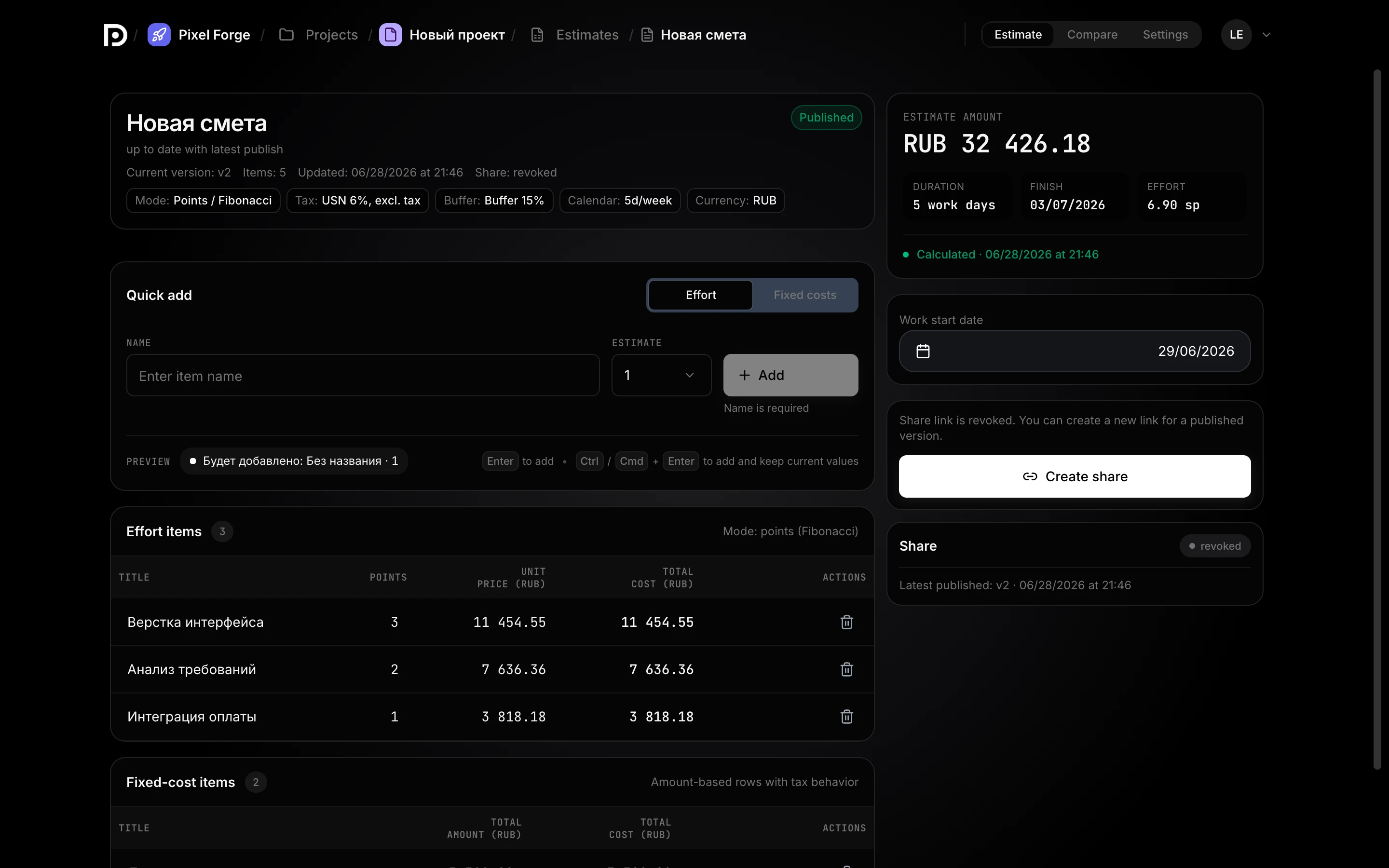
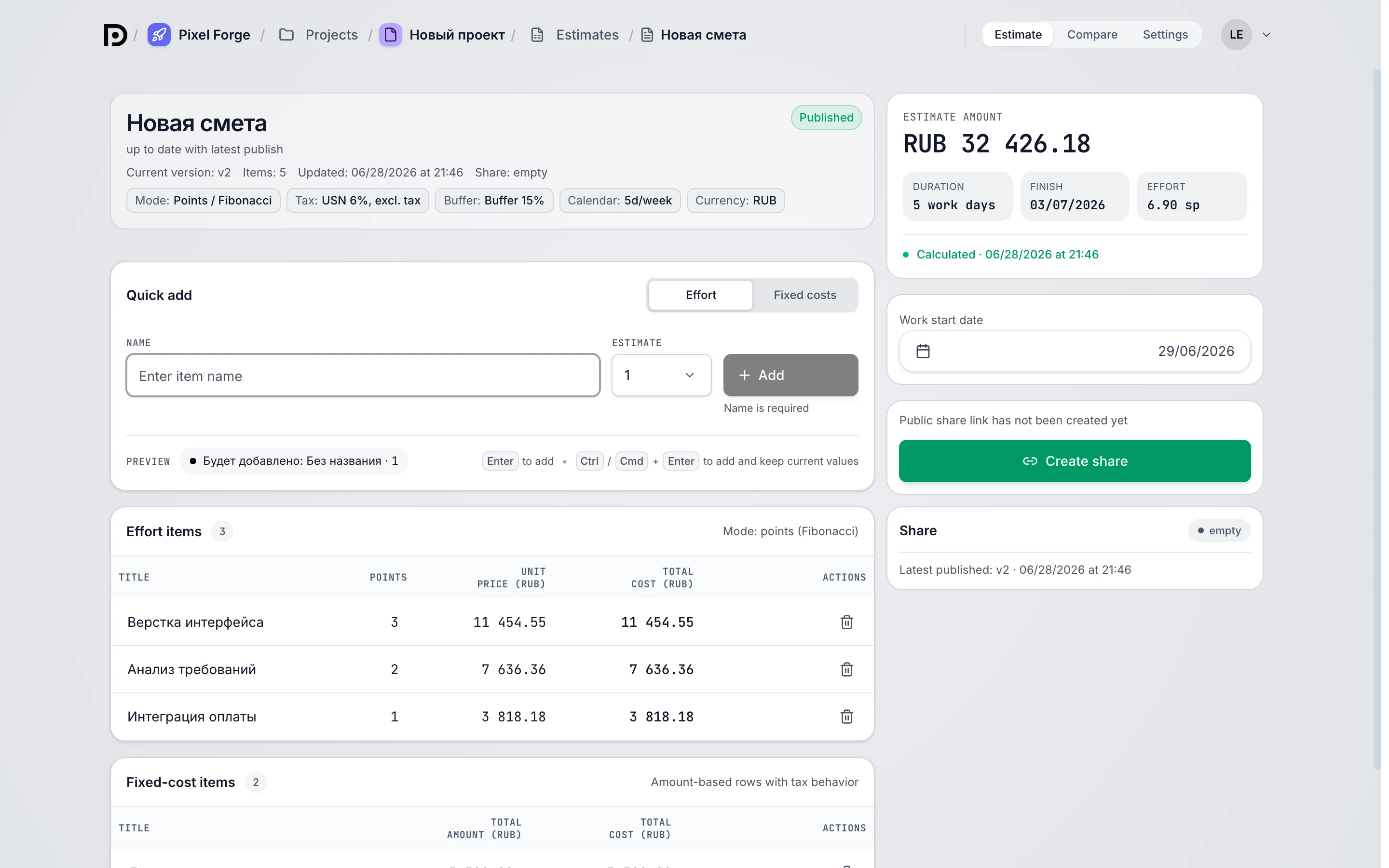
Three steps — and the estimate is with your client
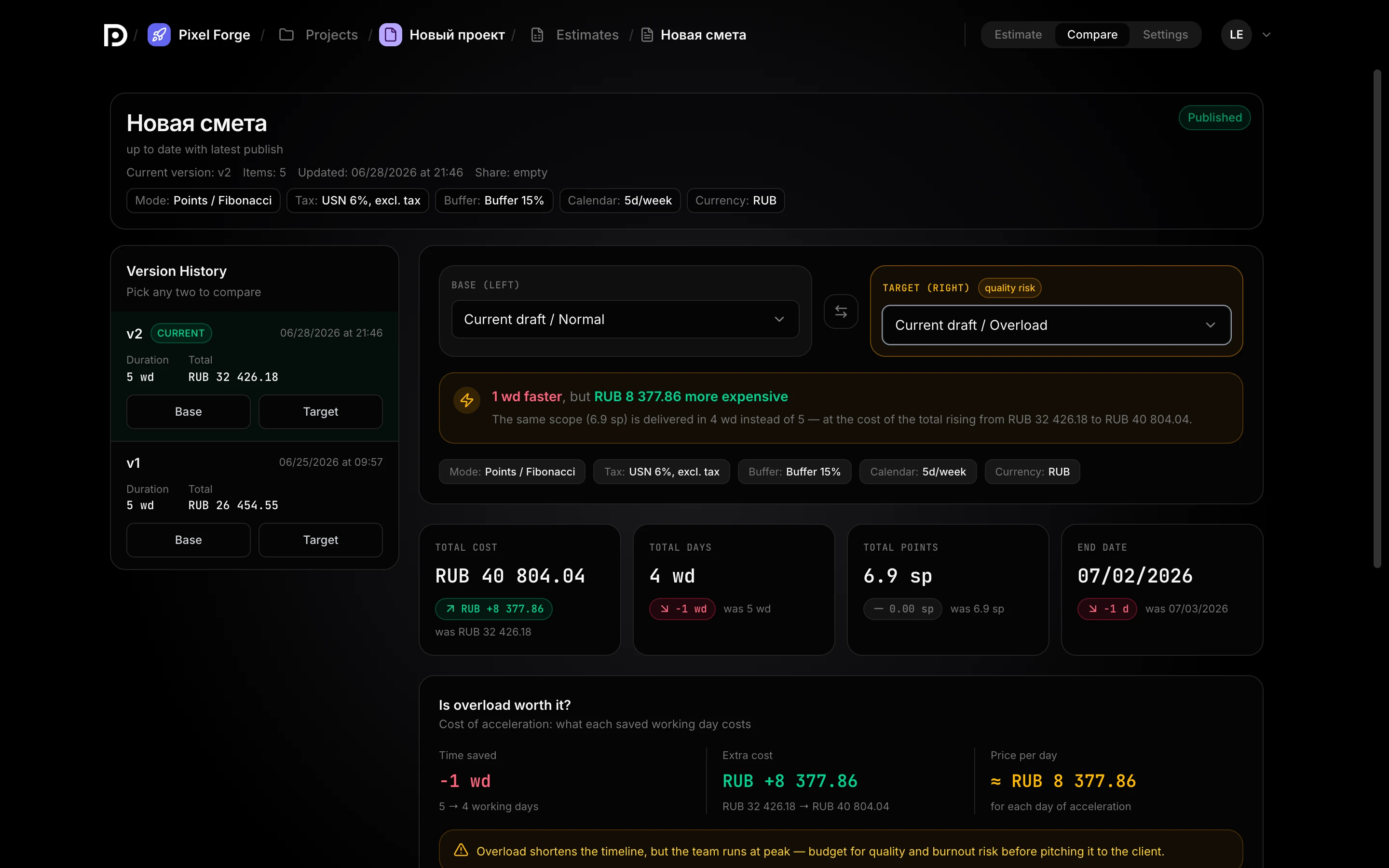
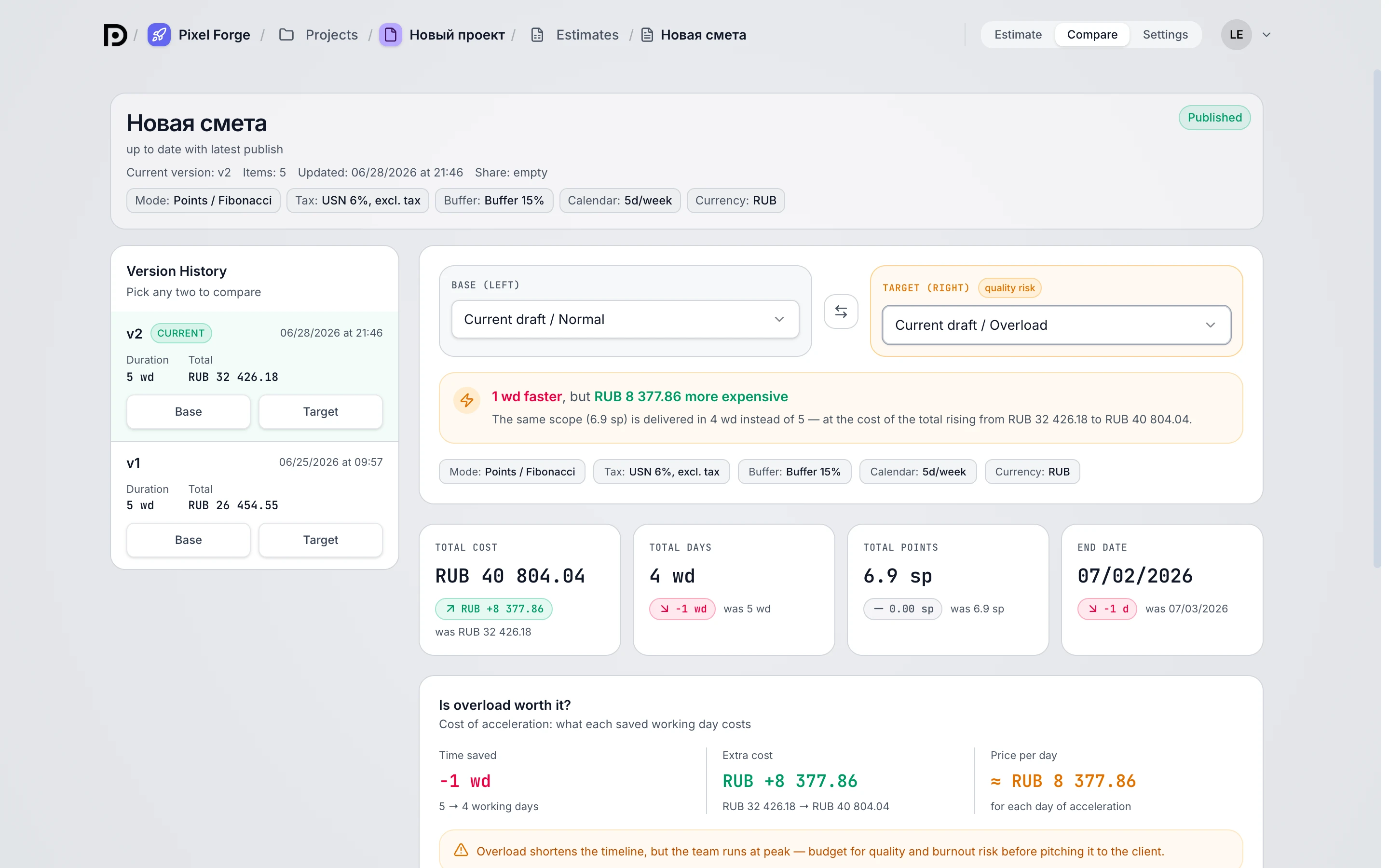
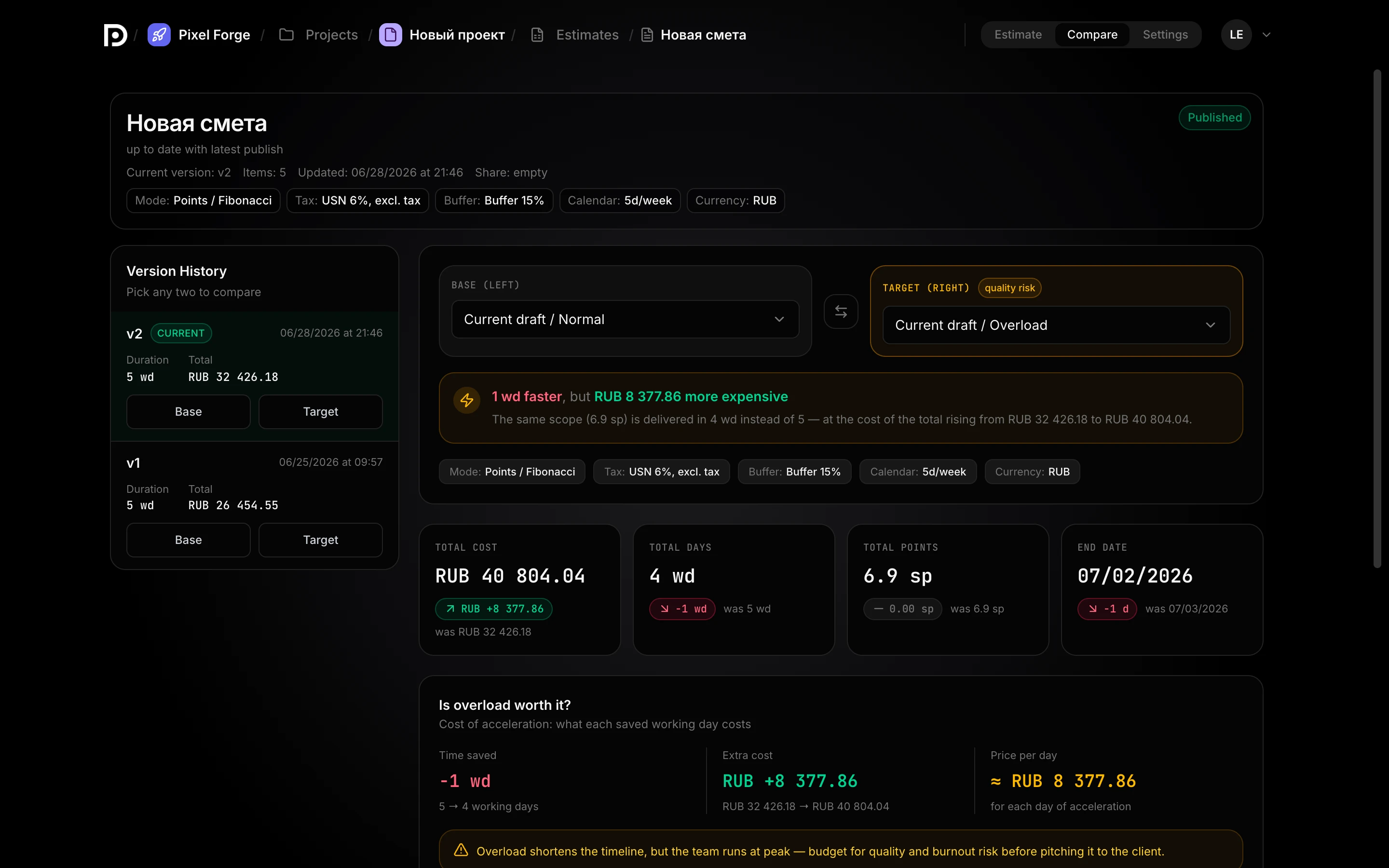
“What if it’s faster?” — you already have the answer
Usually that question means a night of recalculations. In Dead Point both scenarios — calm and forced — are computed in advance, with an honest difference in price and risk.
“estimate_final_2(3)_NEW” is no longer needed
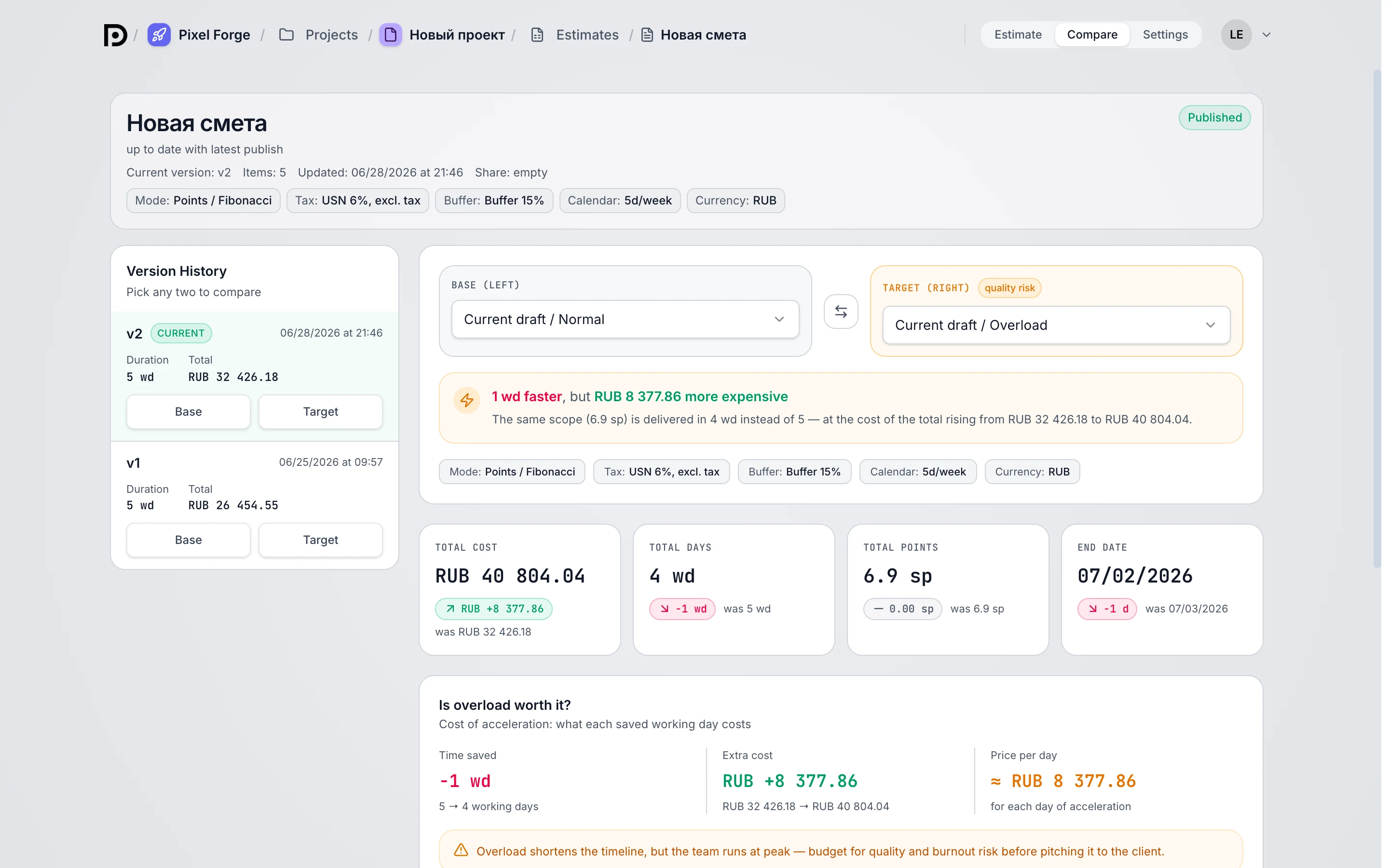
Every “let’s drop the dashboard” is a new version, not a new spreadsheet. You see what changed, by how many hours and how much money — and why the estimate ended up this way.
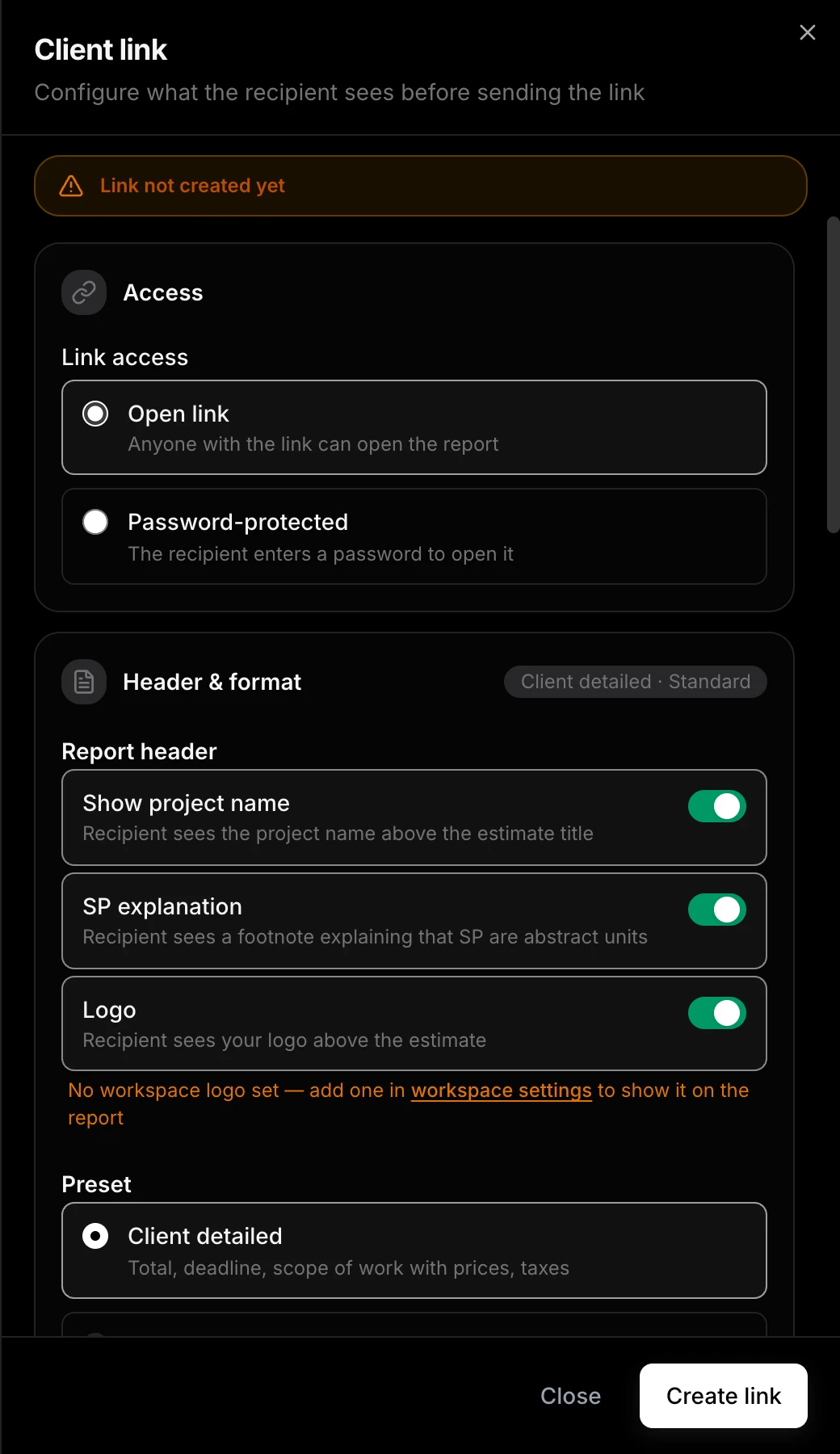
The client approves by link, not “let’s sync on Thursday”
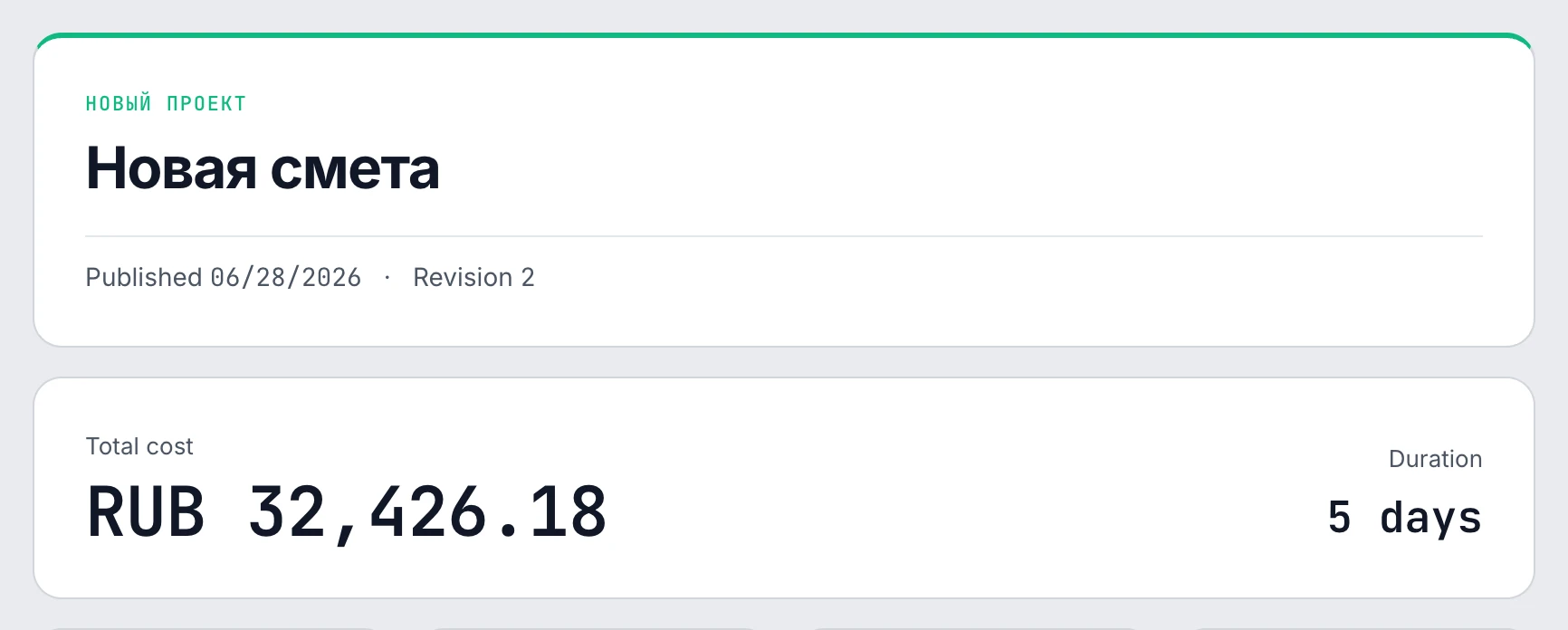
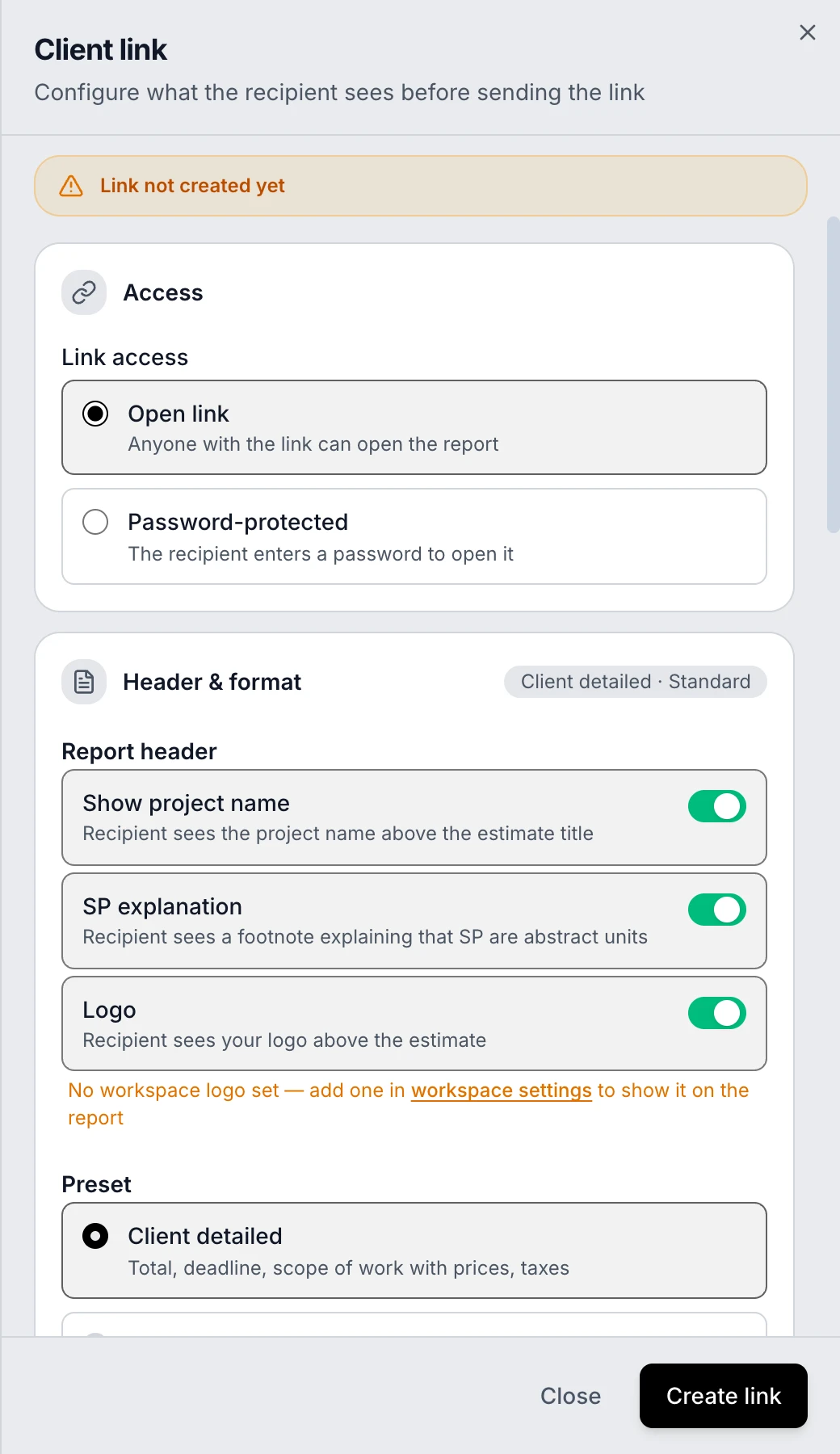
Instead of a 12-page attachment — a living report: scope of work, two scenarios, a calculation with taxes and an “Approve” button. The link can be locked with a password.
Estimate in hours or in points
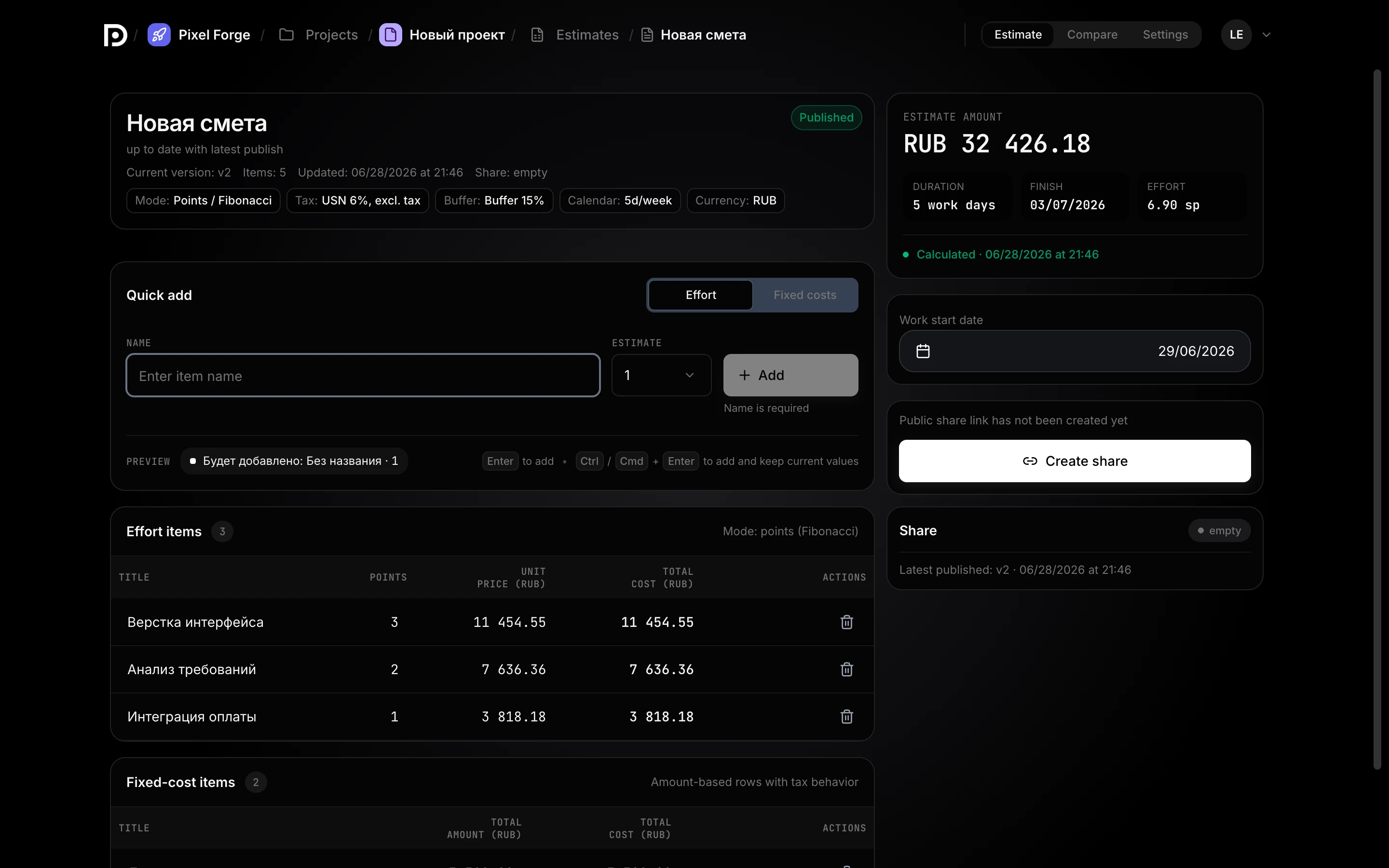
Hours with a rate — or points on whatever scale your team uses: linear, Fibonacci (story points), powers of two, T-shirt from XS to 5XL. Set your team’s throughput and sprint cost, and points turn into timeline and budget.
Tax is an estimate setting, not a side conversation
Set your own rate — VAT at any percentage, on top or included in the price. Simplified-tax and self-employed regimes are built in too.
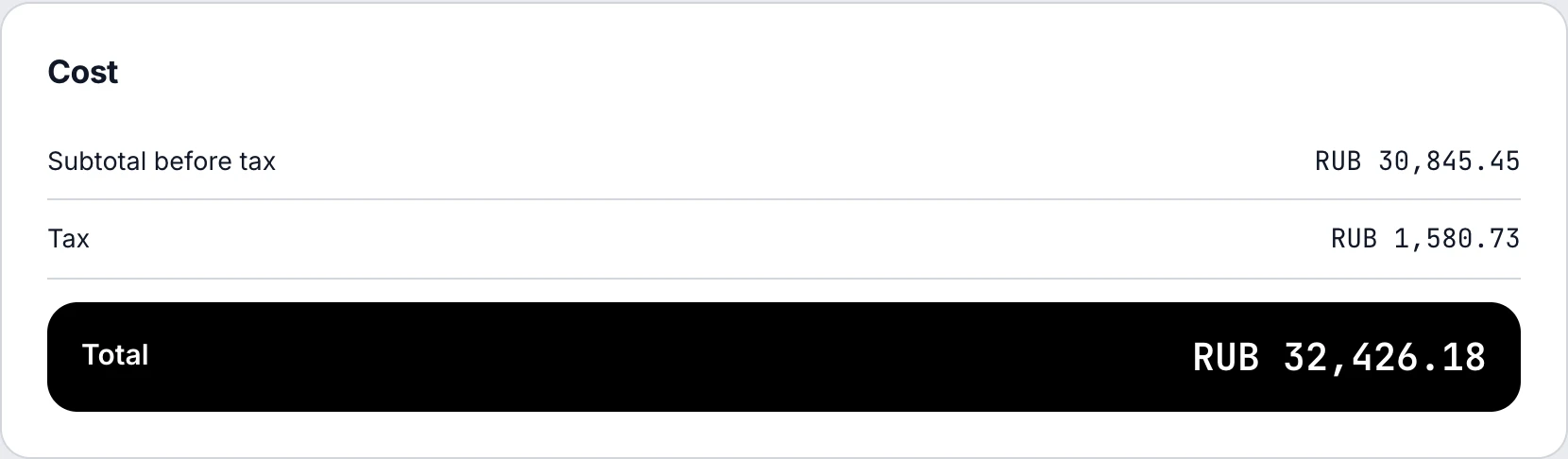
Client abroad — quote in their currency
Bill in your currency, show the client theirs. The rate is live, from each country’s official regulator — not guessed.
Deadlines don’t lie: holidays are already in the math
Dead Point computes deadlines against the working-day calendar — public holidays, weekends and observed dates are accounted for. “We’ll ship on May 1” simply won’t fly here.
All estimates and projects — in one place
Drafts, sent and approved estimates, the latest activity and a quick way back to work — no digging through folders and email.
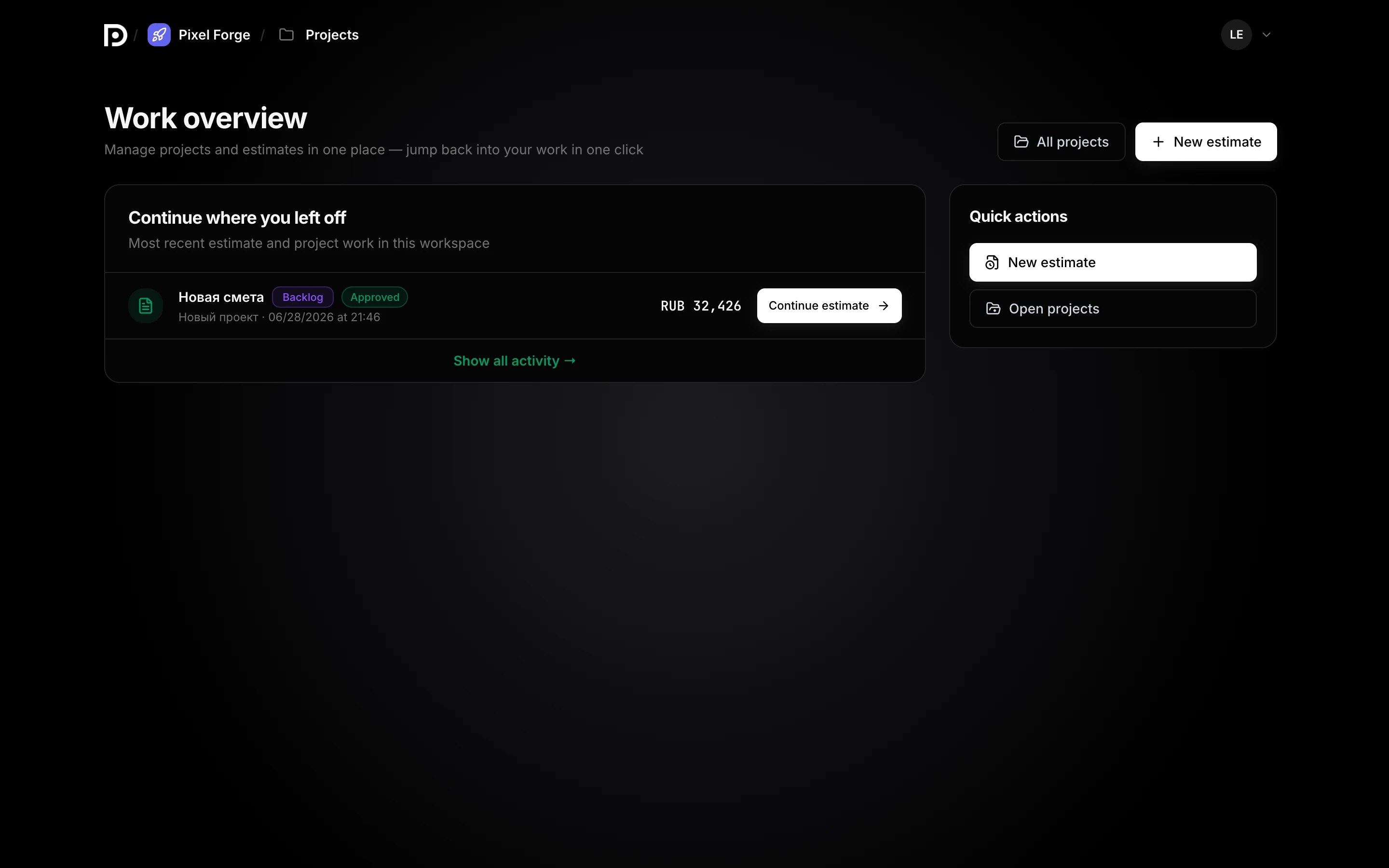
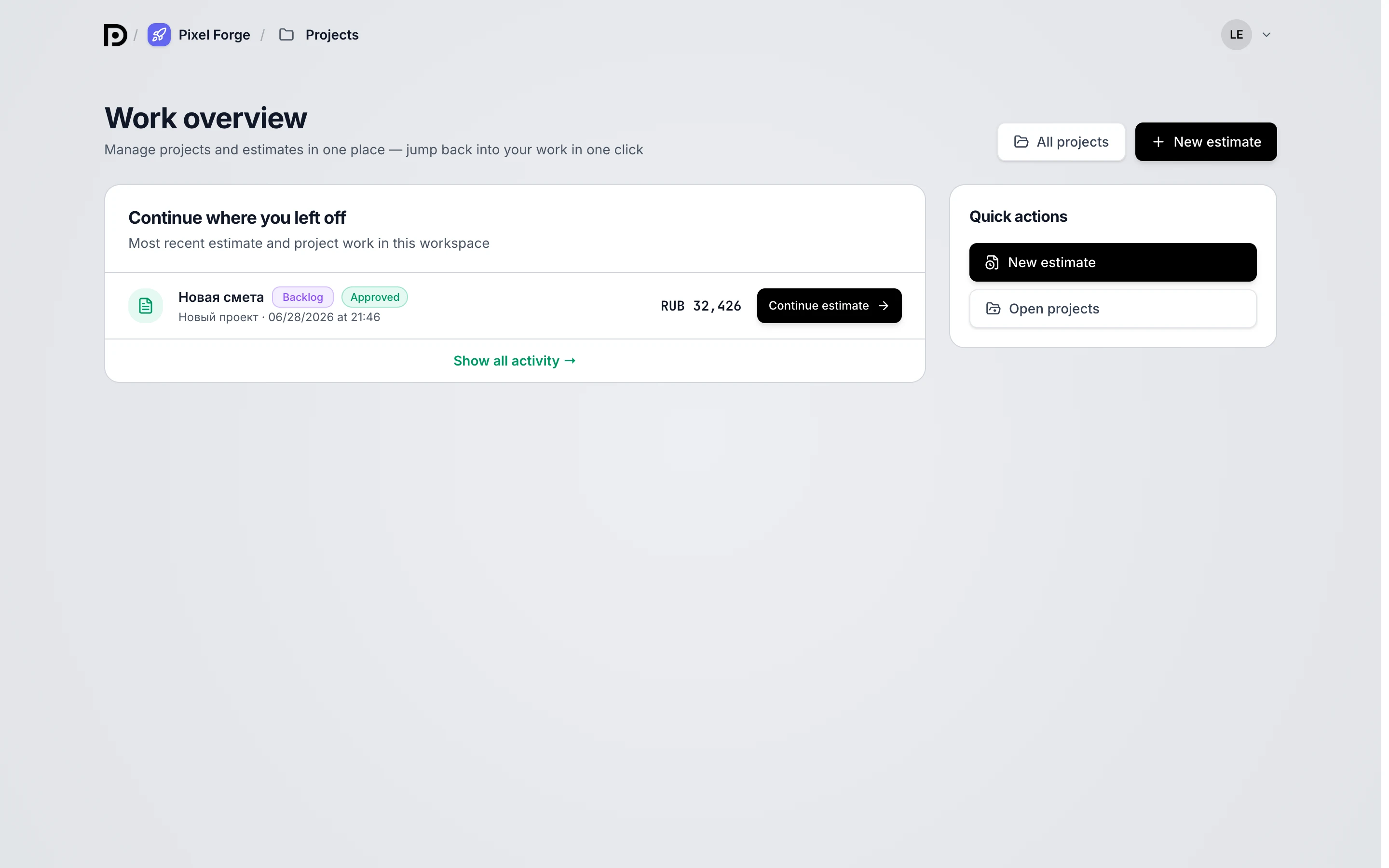
The same estimate. Feel the difference
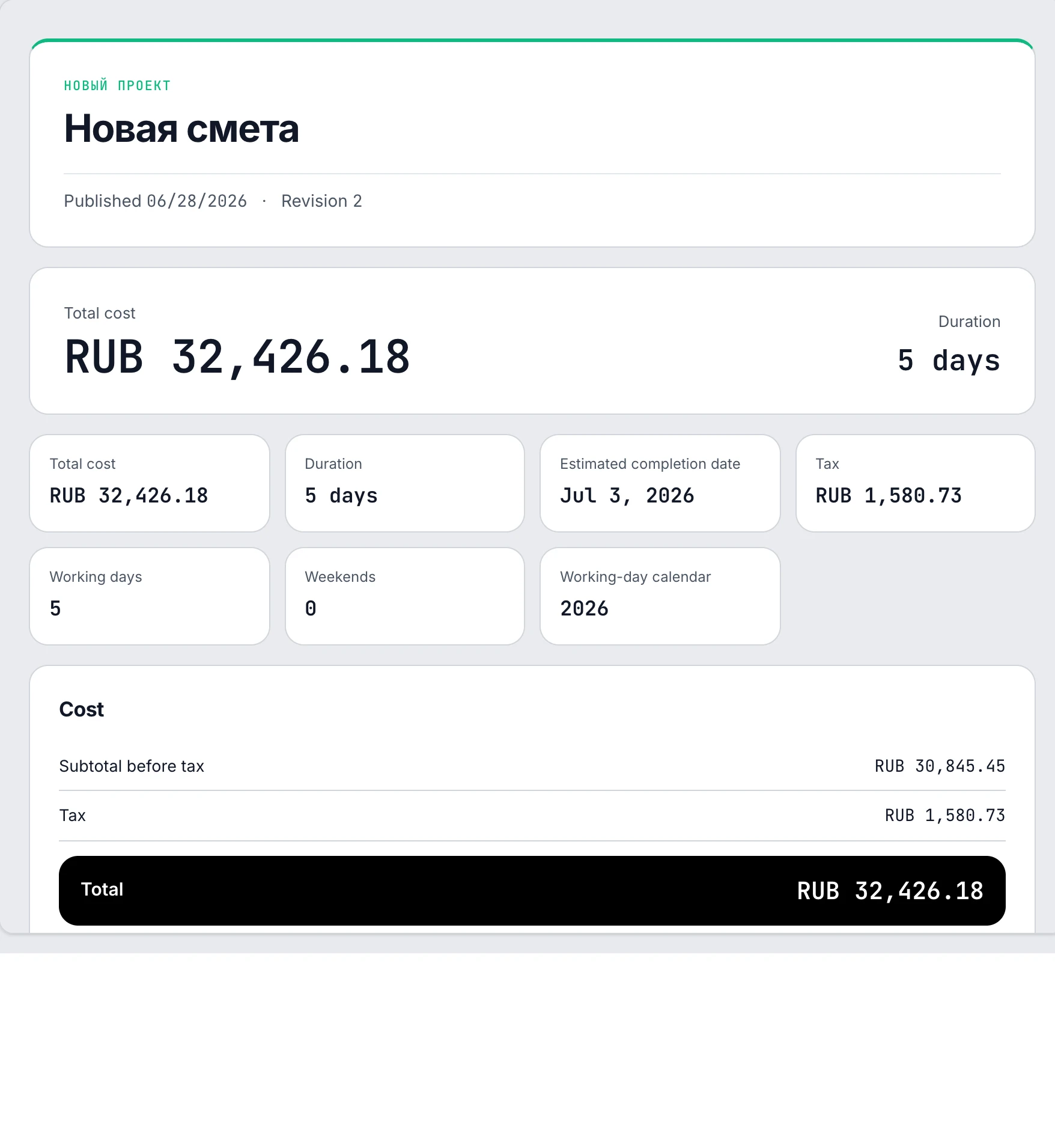
Three ready-made estimate examples — start from these
Real Dead Point reports for three niches — web development, video production and freelance. Open, browse live, and download PDF or Excel right from the page — no signup needed.
Tired of recalculating by hand and losing track of “estimate_final_2” versions? Build your own estimate in Dead Point — free, no card required
Questions people ask before signing up
What is Dead Point
Dead Point is a project timeline and cost estimation service for studios, agencies and freelance teams. You build an estimate from line items with rates, compute two scenarios (normal and crunch), factor in taxes and the working-day calendar — and send the client a clean report by link instead of a spreadsheet in email.
How much does it cost
Free — forever: estimates and scenarios without limits, 3 client publications a month with a watermark. Pro — 990 ₽/mo or 9,900 ₽ a year (works out to 825 ₽/mo). Pro trial — 14 days.
Do I need a card for the trial
No. Pro turns on right after sign-up for 14 days. When it ends, the account switches to Free automatically — we charge nothing, because there’s nothing to charge.
How does passwordless sign-in work
You enter your email — we send a one-time link. Following the link is the sign-in, and it usually takes about 30 seconds. No password is needed, neither for you nor for our database.
How do I cancel my subscription
In settings, in two clicks. No call to a “retention manager” and no three-screen “tell us why you’re leaving” form.
Which tax regimes are supported
VAT, the simplified tax and the self-employed regime. Tax is computed right in the estimate — on top or included — and the client sees it as a separate line in the calculation.
In which formats can I hand the estimate to a client
A link to a living report (with a password if needed), a PDF for printing and sign-offs, and an XLSX for those who don’t believe it without a spreadsheet.
What does the client see by the link
A clean report: cover, scope of work, two scenarios with a recommendation, a calculation with taxes and an approval button. No “#REF!” and no comments in the margins.


Your client will approve the next estimate faster
Sign in in 30 seconds: email, link, you’re working. No password, no card
Start free